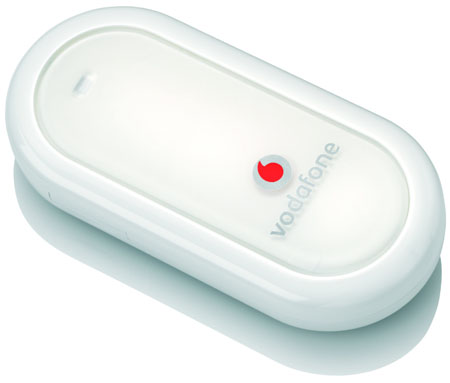
 Like many of you out there I use mobile broadband as my Internet connection. What bugs me the most is that annoying virtual CD-ROM drive that pops out every time I put my stick in my USB connector. The idea is that average user has all of its modem drivers (of course Windows only) nearby. What's the use for that thing on our beloved Linux boxes? I know one. We can have fun disabling this annoyance once and for all. In this article I'll show you how to use your your Linux PC to disable virtual CD-ROM drive with built in software on Huawei and ZTE GSM modem devices.
Disable virtual CD-ROM drive with built in software on Huawei and ZTE GSM modem devices
15 Replies